 Wojciech Seweryn
My story with blogs
A long time ago…
When I first started learning programming, I created a personal blog to document the learning process. Today, history comes full circle - I am coming back to blogging, but this time already in the role of a professional developer.
About eight years ago, my blog was built on WordPress, hosted on OVH. Looking back, that experience was far from pleasant. Configuring plugins, domains, DNS records and many other things I barely remember today was not very user-friendly. The blog lived for around two years, until I eventually stopped paying for the hosting and shut it down (Just so you know, all the posts are still saved in my notes, so the work I put into them wasn’t wasted.).
Today…
Now, approaching the topic again, I started by looking for ways to minimize costs as much as possible. Step by step, the technology stack began to shape itself naturally. I had a few key requirements:
- low cost
- high performance
- full freedom when it comes to UI and UX design
Putting all of this together led me to the stack described below. Enjoy the read!
Astro
Astro is my core framework. It is a web framework for content-driven websites, which makes it an ideal choice for blogs. By default, it ships almost no JavaScript and keeps pages extremely fast.
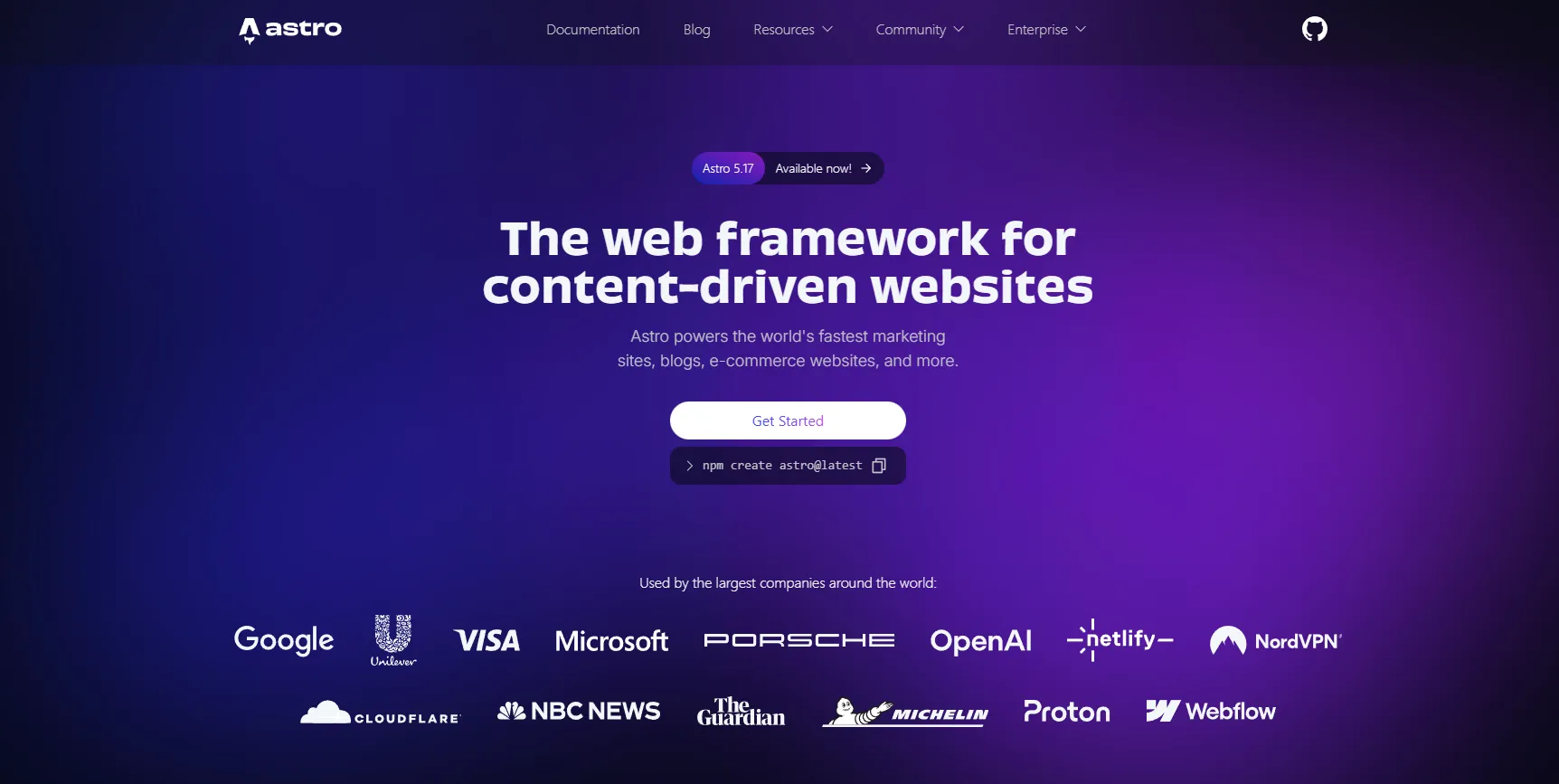
I really like the component model, while still being able to keep content in plain Markdown. I didn’t want any databases and Astro’s Markdown-first approach turned out to be exactly what I needed. Rendering blog posts directly from Markdown feels simple, predictable, and perfectly aligned with my blogging needs.
The downside is that some dynamic features require extra client-side work, and the ecosystem is smaller compared to React - but for this use case, that is a trade-off I am happy to accept.
Tailwind CSS
Tailwind CSS lets me build a clean UI without writing large CSS files, and it fits a design-first workflow very well. Iteration is fast, and keeping a consistent design system is straightforward.
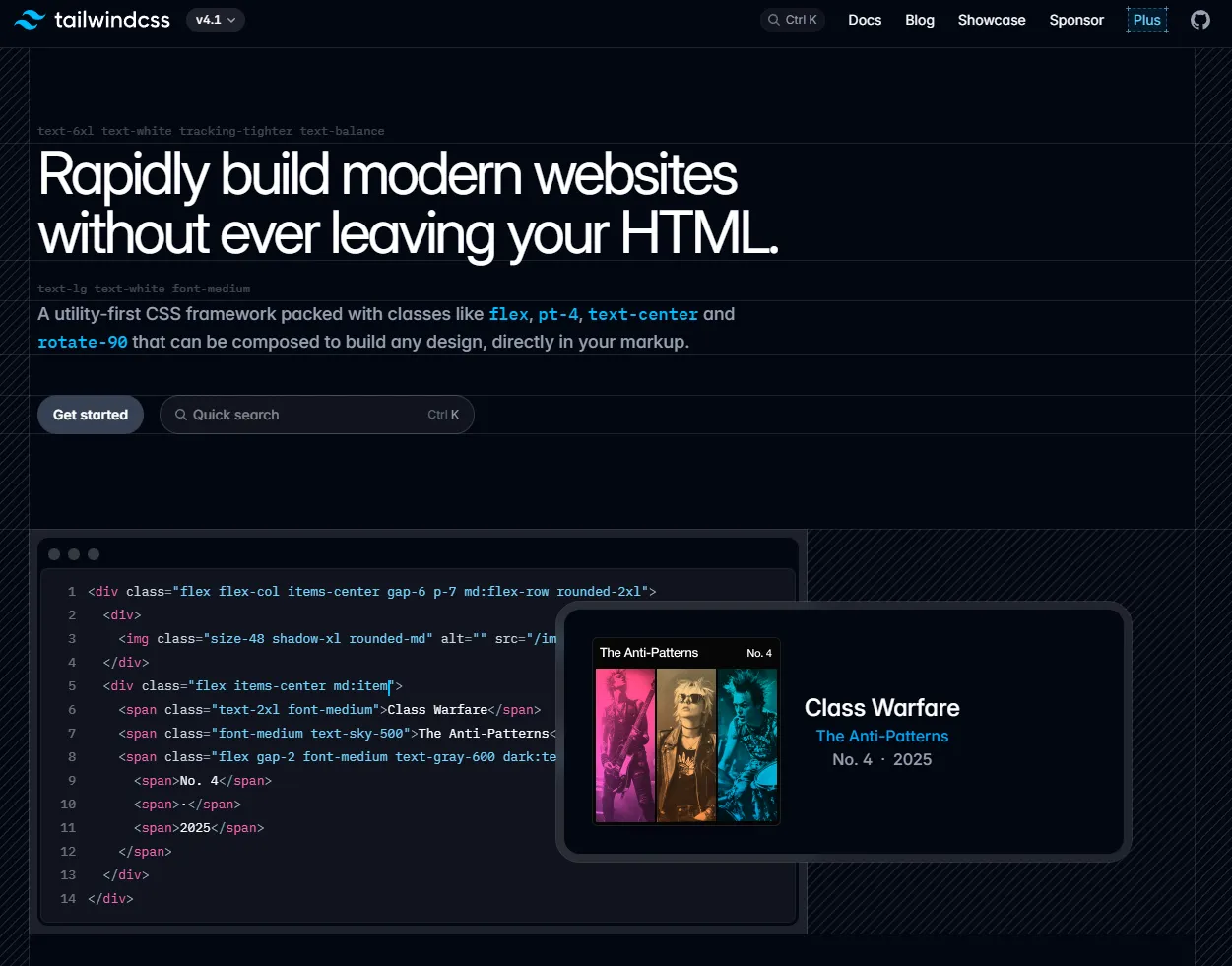
Tailwind is a utility-first CSS framework that provides low-level building blocks instead of predefined components. The main trade-off is longer class strings and potentially less semantic HTML if you are not careful.
Code Styling (Shiki)
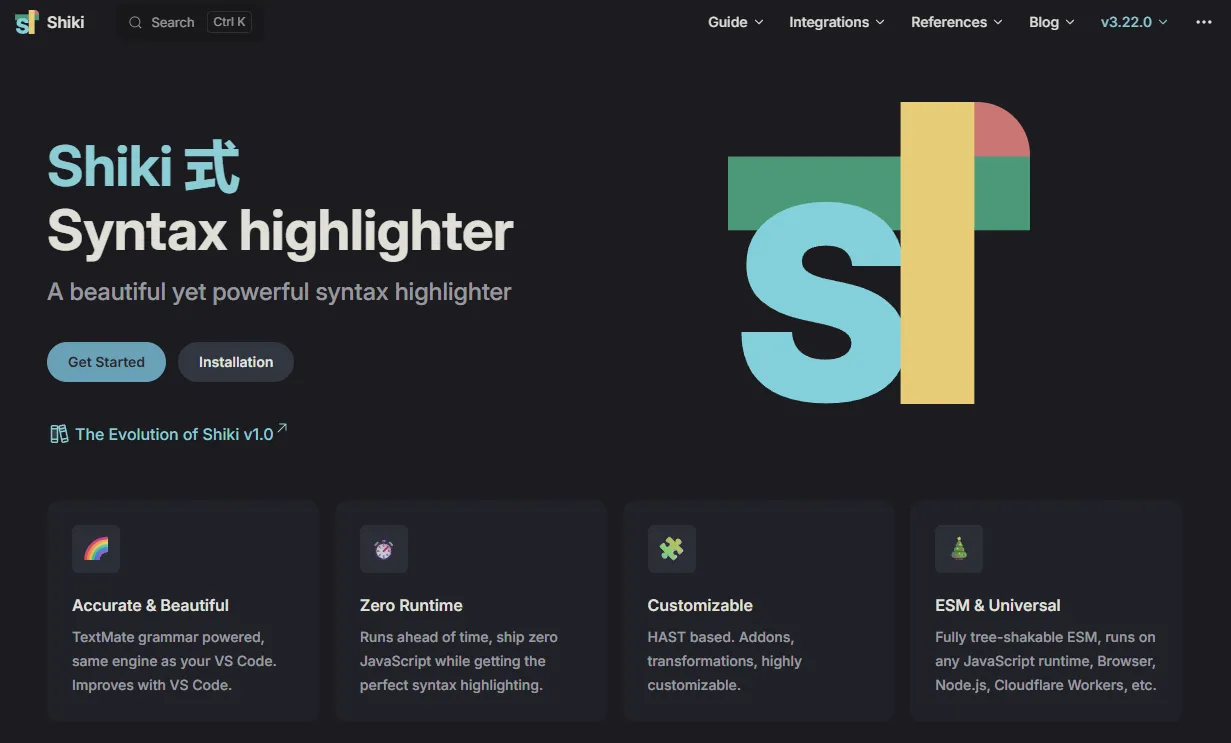
I use Shiki for syntax highlighting so code snippets look consistent and readable. Highlighting happens at build time, which means zero runtime cost in the browser.
Example of how code looks when styled with Shiki:
//Import Optimizely SDK
using OptimizelySDK;
using OptimizelySDK.Entity;

// Instantiate an Optimizely client
var optimizely = OptimizelyFactory.NewDefaultInstance("YOUR_SDK_KEY");

// Set custom user attributes
var attributes = new UserAttributes
{
    { "logged_in", true }
};

// Create a user context
var user = optimizely.CreateUserContext("user123", attributes);

var decision = user.Decide("product_sort");

// Execute code based on decision's variation key
if (string.IsNullOrEmpty(decision.VariationKey)) {
    Console.WriteLine("decision error: " + string.Join(" ", decision.Reasons));
} else if (decision.VariationKey == "control") {
    Console.WriteLine("control variation");
} else if (decision.VariationKey == "treatment") {
    Console.WriteLine("treatment variation");
} else {
    // Unknown variation
}

// Execute code based on flag enabled state
if (decision.Enabled) {
    var sortMethod = decision.Variables.ToDictionary()["sort_method"];
    Console.WriteLine($"sort_method: {sortMethod}");
}

// Track an event
user.TrackEvent("purchased");
The only downside is that compilation takes a little longer when multiple languages are enabled. All in all, the performance is quite good, so this is my choice.
Hosting on GitHub Pages
Hosting on GitHub Pages is extremely important to me. No hosting issues, no invoices, no surprises. It is free, proven, and backed by GitHub.
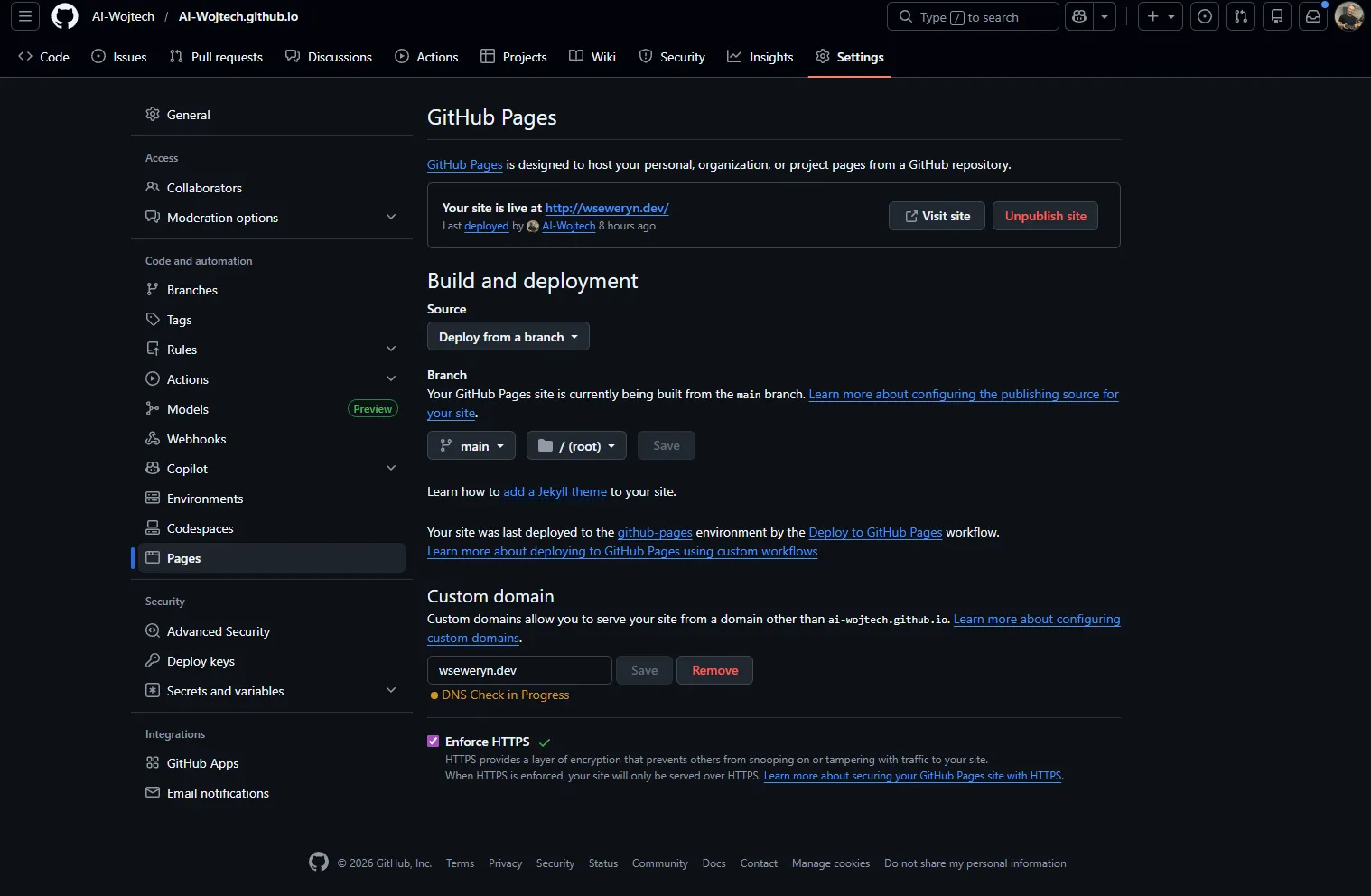
The setup is very simple: you create a dedicated repository for your site, spend a few minutes on configuration and you are done. This level of simplicity and reliability is exactly what I was looking for. No more complicated hosting configurations (at least for a simple blog!)
If you are curious about the details, take a look at their docs: https://docs.github.com/en/pages/getting-started-with-github-pages/creating-a-github-pages-site
What is worth considering is that GitHub Pages is limited to static hosting (no custom backend code, databases, or server-side rendering), but that doesn’t bother me at all because I’m just building a simple blog.
Comments via GitHub (giscus)
For comments, I use giscus, which stores discussions in GitHub Discussions. This is another game changer when you do not want to introduce any databases.
Everything is handled on the GitHub side: authentication, moderation, and storage. Since this is a technical blog, I assume that most interested readers already have a GitHub account anyway.
Additionally, giscus gives a strong sense of security, looks modern, and fits naturally into a developer-focused ecosystem. The downside is limited UI customization and the GitHub account requirement.
Small extras
I also added search based on a generated JSON index and a simple RSS feed. Both are fully static and introduce no server costs. The trade-off is that the search index must be rebuilt on every deploy.
When it comes to deployments, it’s extremely simple – new changes are pushed to the repository connected to GitHub Pages on the master branch and the changes are visible in production after about 30-60 seconds.
Example: lazy loading embeds
Speed is the foundation that I really cared about when creating this blog. For third-party widgets like giscus comments, a common pattern is to load them only when the user scrolls close to the section:
const observer = new IntersectionObserver(
    (entries, obs) => {
        if (entries.some((entry) => entry.isIntersecting)) {
            loadGiscus();
            obs.disconnect();
        }
    }, {
        rootMargin: "200px 0px"
    }
);
observer.observe(giscusContainer);
This ensures that the home page works quickly and does not load features that the reader may never even use.
Google Analytics (with consent)
I use Google Analytics only after the user explicitly accepts analytics cookies. This gives me basic insight into which posts are read and how long visitors stay on the site.
The downside is the consent banner and the need to properly clean up cookies when users decline - but this is a reasonable trade-off. However, given the requirements of the GDPR, we have no other option: either you play by the rules, or you’re out.
Summary
This is a brief overview of the technologies used for this blog. It’s about predictability, performance, and low maintenance costs.
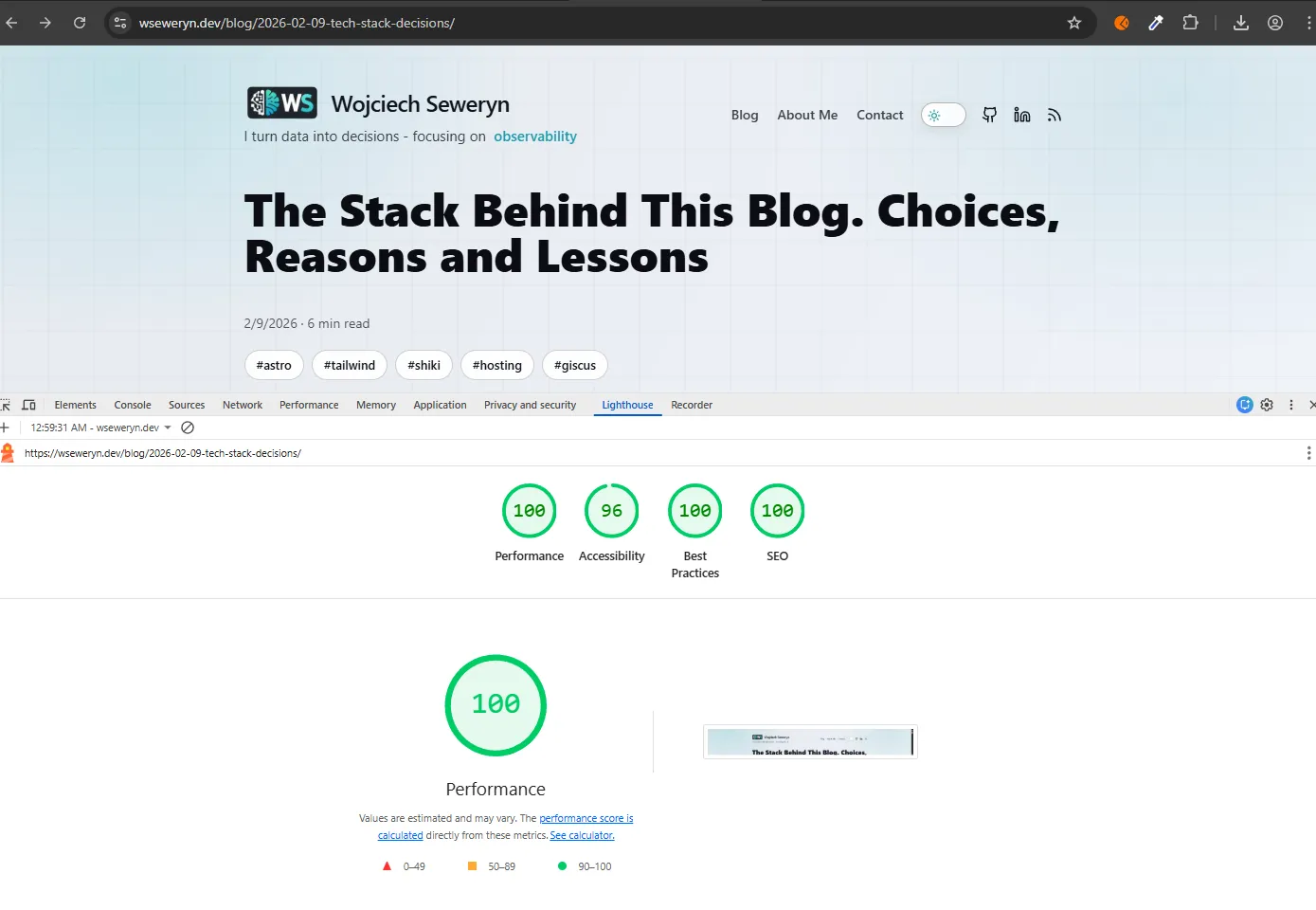
The rapid verification of PROD speaks for itself. The stats are close to perfect and the slight drop in accessibility to 96 is only because the comments in Shiki have too little contrast. I have no complaints.
I deliberately chose tools that don’t get in the way of my work and allow me to focus on writing and experimenting. I wanted to achieve an efficient website that is pleasing to the eye, with readable posts and an extremely simple way of adding them (one push of a Markdown file and I have another post LIVE!).
What’s more, I had never used most of the technologies mentioned here before, a little break from the daily routine is a really great thing! For a personal technical blog that I actually want to run for a long time, this seems like a very fair deal to me.
If you have any questions about the details, feel free to leave a comment or contact me via the Contact tab.